Key takeaways
- The platform is the channel for viewing the market and sending orders; the broker is the company that receives and executes them.
- A platform's name does not tell you who the broker is or how it is regulated: they are separate decisions.
- A useful platform should offer charts with historical data, instant information and order entry.
- Templates and profiles let you set the platform up once and reuse the format across all instruments.
- One-click execution is fast but irreversible: decide calmly whether to enable it and practice on a demo first.
Many people say they "opened an account on MetaTrader". It sounds reasonable, but it mixes two different things. MetaTrader is a platform, a program for viewing charts and sending orders. The account, the money and the execution of trades depend on another entity: the broker.
Mixing them up is not a vocabulary detail. When something goes wrong, knowing who is responsible for what changes whom you complain to, which regulation applies and what you can compare when choosing.
The platform is the channel through which you send orders and watch the market; the broker is the company behind it, and each one has to be judged by different criteria.
Platform and broker: two things that often come together
A trading platform is the software from which you analyze the market and give buy or sell instructions. Those instructions used to be given on paper, by fax, by email or by a phone call to a brokerage. Today the channel is the platform, but behind it there is still a company that receives the order and executes it, and that company is the broker.
It is true that platform and broker are now tightly integrated and sometimes seem to be the same. That is why it helps to remember that one program can be offered through many different brokers, and that the name of the platform says nothing about who is the counterparty to your account or how it is regulated.
Three things a platform should give you
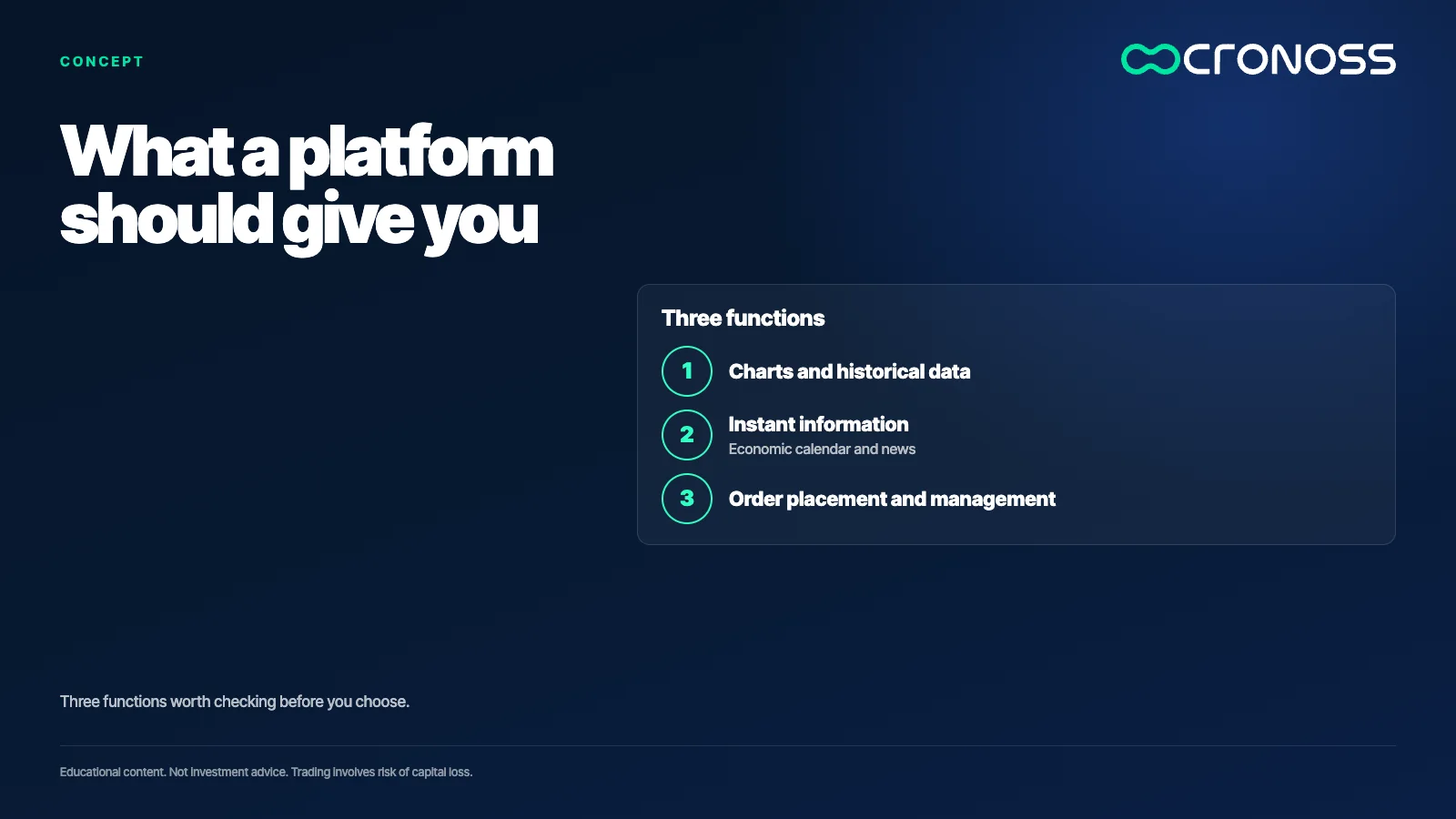
Beyond personal taste, there are three functions any useful platform should cover.
- Charts with analysis tools and historical data. Anyone who does technical analysis or programs strategies needs enough history and reliable data. Some platforms offer very little, and that limits any analysis.
- Accurate, instant information. The economic calendar and major news move price. A platform that does not show them, or shows them late, leaves you without part of the context.
- Sending and managing orders. Everything you do in the market goes through an order. The platform is the vehicle that carries it.
How the market looks inside the platform
When you open a platform such as MetaTrader, a few charts usually appear by default and, on one side, a list of instruments called the market watch. That list changes by broker: not all of them offer the same assets. They can be currency pairs, commodities such as gold or silver, and shares offered through contracts for difference.
Each instrument appears with a ticker, and hovering over it shows the full name. Each has two prices: the sell price and the buy price. The gap between them is the spread, a cost worth checking.
A practical tip is not to open too many charts at once. More than six on one screen look too small to be useful, and platforms let you arrange them in tiles, horizontally or vertically.
Charts: type, zoom and colors
Each chart can be shown as lines, bars or Japanese candlesticks, and you zoom in or out to see less or more history. So far it is simple. There is one common setup mistake worth knowing: if the background and the foreground, meaning the price and time axes, end up the same color, the prices disappear. There must always be contrast between the two.
You can also hide the grid, change candle colors and modify almost all of the format. What matters is doing it only once.
Templates and profiles: organize the platform once
If each chart is set up by hand, the work multiplies. Two tools avoid that.
- Templates. They save the format of a chart, including any indicators you added, and apply it to another instrument in one click.
- Profiles. They work like folders: a profile groups a set of charts, for example one per instrument or per timeframe. Switching profiles changes the whole workspace.
The platform saves what you do automatically, so when you close it and reopen it everything is where you left it. An orderly workspace does not guarantee good results, but it does reduce reading and execution errors.
Orders: what one carries and what a mistake costs
An order needs, at minimum, the instrument, the direction and the quantity. In many platforms the quantity is expressed in lots or contracts. A market order executes at the price available at that moment. A limit order sets the price at which you are willing to buy or sell.
From the same order window you can also set exit levels, both to limit a loss and to close a gain. The decision of how much and at what price is always yours: the platform only transmits it.
There is also one-click execution, which sends the order as soon as you press the buy or sell button, with no confirmation screen. It is faster and also more dangerous: an accidental click executes a real trade that cannot be undone. That is why platforms ask you to accept a warning before enabling it. Someone who trades very frequently may prefer it; someone who is learning is usually better off with the extra confirmation step.
What the platform does not do for you
A platform organizes information and transmits your decisions, nothing more. It does not decide how much to risk, does not judge whether an idea makes sense and does not protect you from a badly framed order. Nor does it guarantee that the price at which you see the market is exactly the price at which your order will execute: between the click and the execution there can be a moment in which the price changes.
That is why a demo account is good for learning the mechanics, but it does not fully reproduce the experience with real money. Use it to master the tool, not as proof that a strategy will work with your own capital.
What to check before choosing and using a platform
- Who is behind it? Find out which broker offers the platform, how it is regulated and what costs it charges. That is the underlying decision, not the program.
- Does it cover what I need? Check that it has enough historical data, an up-to-date economic calendar and the instruments you want to follow.
- Did I try it without real money? Practice on a demo account: place orders, set up templates and decide calmly whether to enable one-click execution.
Understand the tool first
A good platform does not make anyone a better trader, but a badly configured one can turn a good analysis into an operational mistake. Spending time getting to know it, opening it and testing each function in a practice environment is part of the craft.
If you are starting out and want to understand how markets work before trading, the program Introducción Práctica a los Mercados Financieros (Practical Introduction to Financial Markets) covers those basics.
Educational content. Cronoss is not a broker, investment firm or financial adviser, and nothing above is an investment recommendation.
Frequently asked questions
What is the difference between a trading platform and a broker?
The platform is the software you use to view charts and send orders. The broker is the company that holds your account, receives those orders and executes them. One program can be offered through different brokers.
What should a good trading platform have?
At minimum, charts with analysis tools and enough historical data, up-to-date information such as the economic calendar, and order entry with control over quantity and exit levels.
What are templates and profiles?
A template saves the format of a chart, with its indicators, so you can apply it to other instruments. A profile saves a set of charts, like a work folder, and lets you switch workspaces at once.
Is it advisable to enable one-click trading?
It depends on how you trade. It executes the order without confirmation, so an accidental click opens a real trade. Someone who is learning usually prefers the extra confirmation step and practices first on a demo account.